OpenAI Codex CLI is a free, open-source coding agent that runs in your terminal. It inspects your repository, edits files, runs commands, and can work autonomously in a sandboxed environment. This guide walks you through getting started.
Installing Codex CLI
On macOS or Linux, run:
curl -fsSL https://chatgpt.com/codex/install.sh | sh
On Windows (PowerShell):
powershell -ExecutionPolicy ByPass -c "irm https://chatgpt.com/codex/install.ps1 | iex"
Or install via npm: npm install -g @openai/codex
After installation, run codex in any Git repository and sign in with your ChatGPT account.
Your First Task
Navigate to a project directory and type codex. The interactive terminal UI opens. Type a natural language prompt like “Add input validation to the signup form” and Codex will read the relevant files, propose changes, and show you a diff before applying.
Key Commands
/plan— Ask Codex to outline an approach before making changes/review— Have Codex review code changes/permissions— Control what Codex can do (edit files, run commands)/model— Switch between available models (GPT-5.6 Luna, GPT-5.6 Terra, etc.)/agent— Switch between subagent threads for parallel workcodex exec "prompt"— Run a non-interactive task for CI/CD automationcodex --search— Enable live web search for current documentation
Sandboxing
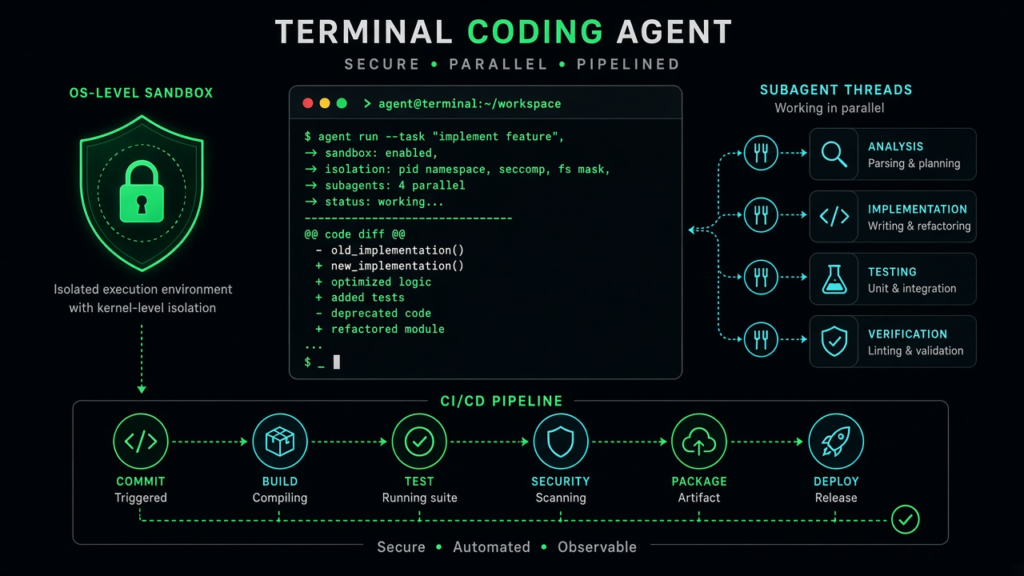
Codex CLI has OS-level sandboxing enabled by default. On macOS it uses Seatbelt, on Linux it uses Landlock and seccomp. This means the agent cannot access files outside your project or make network requests unless you explicitly allow it. For local development, use:
codex --sandbox workspace-write --ask-for-approval on-request
Subagents
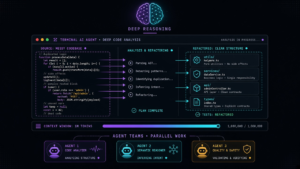
For complex tasks, Codex can spawn specialized subagents that work in parallel. Ask Codex to “explore the codebase in parallel” or “implement the feature plan with subagents.” Each subagent works independently and reports back to the main session.
Skills and Plugins
Codex supports reusable skills — packaged instructions and scripts for common workflows. Type /skills to see available skills, or use $skill-installer to add community skills. You can also create your own by adding a SKILL.md file.
This guide is published by TKCursor, an independent AI subscription guide service. We are not affiliated with OpenAI. See our Disclaimer.