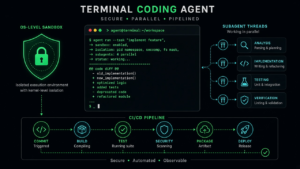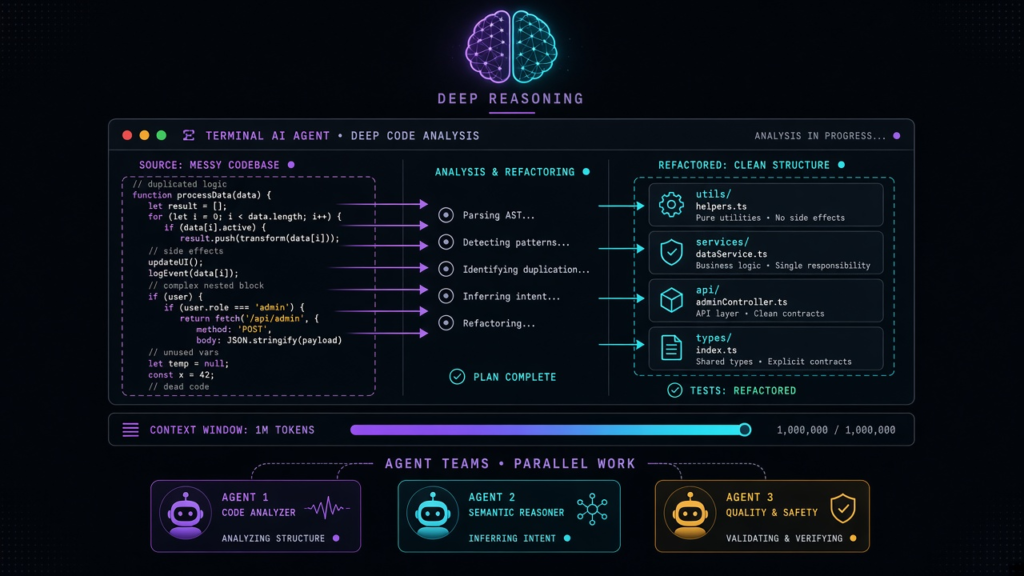
Claude Code is a terminal-first AI coding agent from Anthropic. It runs in your shell, reads your entire repository, and can edit files, run commands, spawn subagents, and orchestrate complex multi-step workflows. It uses Claude models — up to Opus 4.6 with a 1 million token context window.
What Makes Claude Code Different
- Deep reasoning: Opus 4.6 consistently scores highest on SWE-bench coding benchmarks. It handles complex refactoring that lighter models struggle with.
- 1M token context: Claude Code can hold your entire codebase in context, with automatic compaction when needed. No chunking, no missed dependencies.
- Agent Teams: You can define multiple agents with task dependencies that work together on a plan. One agent writes the implementation while another writes tests, and a third reviews both.
- Hooks: Scripts that run on agent events — before a file edit, after a command, on completion. This gives you programmable governance over what the agent does.
- Terminal-native: It works with any editor. Open your IDE in one terminal pane and Claude Code in another. It reads the same files and respects your
CLAUDE.mdconventions file.
Getting Started
Install Claude Code with npm: npm install -g @anthropic-ai/claude-code
Then run claude in a Git repository. Sign in with your Anthropic account (Claude Pro or Max). Type a task in natural language and Claude Code begins working.
Key Commands
/plan— Create a detailed plan before executing/ultrareview— Multi-pass code review with deep analysis/agent— Manage subagent threads/memory— Store and recall project context across sessions/cost— Check token usage and cost for the current session
Best Use Cases
Complex refactoring: Renaming across hundreds of files, migrating frameworks, restructuring modules. The 1M context window means it sees everything at once.
Code review: The /ultrareview command performs a thorough multi-pass review that catches subtle issues.
Large-scale changes: Agent Teams let you break a big task into coordinated subtasks that execute in parallel.
Pricing
Claude Code is included with Claude Pro ($20/month). For heavier usage, Claude Max starts at $100/month with higher limits. API key usage is also available for teams.
This guide is published by TKCursor, an independent AI subscription guide service. We are not affiliated with Anthropic. See our Disclaimer.